Best Monitor Light Bars for Home Office (2026)
Monitor light bars that light your desk without screen glare, from BenQ ScreenBar models to budget Quntis and Xiaomi bars, per How-To Geek and others.
Quick answer: my top pick is the BenQ ScreenBar Halo 2 (best overall (front + back light)). Creative Bloq's best monitor light overall.
- Best simple premium bar: BenQ ScreenBar
- Glare-free essentials: Quntis Computer Monitor Light Bar
- Best with a remote: Xiaomi Mi Computer Monitor Light Bar
Disclosure: I may earn a commission when you buy through links on this page, at no extra cost to you. As an Amazon Associate I earn from qualifying purchases. Picks are based on published research, not hands-on testing. Read my affiliate disclosure.
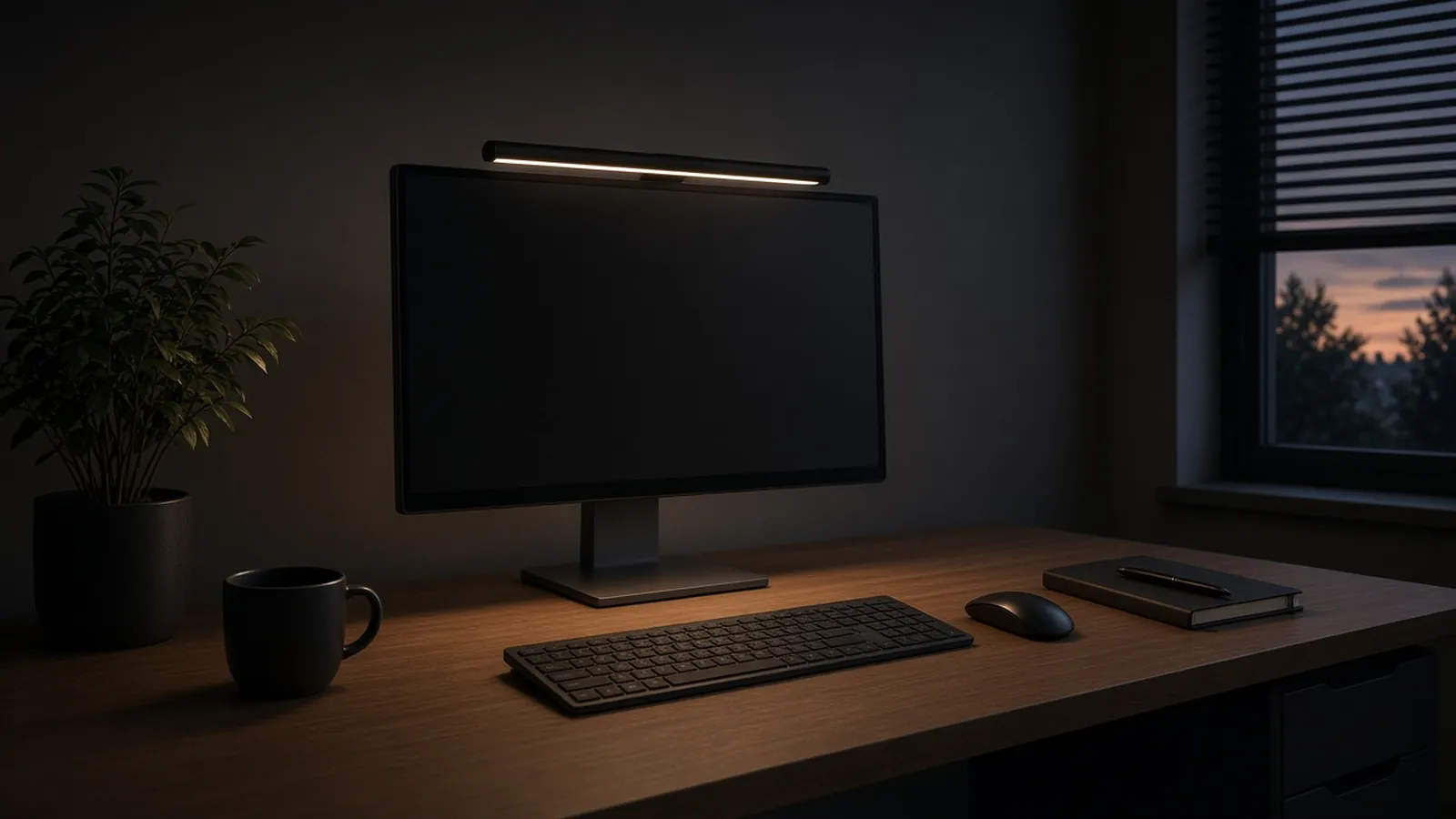
At a glance
| Product | Color temp | CRI | Monitor fit | Controls | Auto-dim | Power | Price at Amazon |
|---|---|---|---|---|---|---|---|
| BenQ ScreenBar Halo 2Best overall (front + back light) | 2700 to 6500K | >95 | 0.17 to 2.36 in, 1000R to 1800R curves | Wireless dial | Yes, plus presence sensor | USB-C | Check price for BenQ ScreenBar Halo 2 |
| BenQ ScreenBarBest simple premium bar | 2700 to 6500K | >95 | 0.4 to 1.2 in | Touch, on the bar | Yes | USB-A | Check price for BenQ ScreenBar |
| Quntis Computer Monitor Light BarGlare-free essentials | 3000 to 6500K | 95+ | Flat, 0.4 to 1.2 in (base model) | Touch, on the bar | Yes | USB 5V/1A | Check price for Quntis Computer Monitor Light Bar |
| Xiaomi Mi Computer Monitor Light BarBest with a remote | Not published | Not published | 0.4 to 1.25 in | Wireless 2.4GHz dial | No | USB (5 W) | Check price for Xiaomi Mi Computer Monitor Light Bar |
“Not published” means none of my cited sources list that spec. Prices aren't shown because they change often; “Check price” opens the current listing. Availability and shipping vary by region; links go to US stores.
The short answer
If you want the most complete bar, the BenQ ScreenBar Halo 2 is Creative Bloq’s best monitor light overall. It adds a rear light for dark rooms, a wireless dial and wide monitor compatibility. For a simpler BenQ, the original BenQ ScreenBar is How-To Geek’s best overall, with auto-dimming and touch controls on the bar. The Quntis bar is Creative Bloq’s lower-priced pick. The Xiaomi Mi Computer Monitor Light Bar adds a wireless remote dial, and COMPUTER BILD recommends it to most people over pricier bars.
How I picked
I did not test these light bars myself. I compared How-To Geek’s monitor light bar guide, Creative Bloq’s roundup and COMPUTER BILD’s Xiaomi comparison, and kept bars that at least one of them named as a winner. Specs come from those reviews and the manufacturers’ listings already cited on this page.
Specs I compared (from this page)
| Pick | Color temp | CRI | Monitor fit | Controls | Auto-dim | Power |
|---|---|---|---|---|---|---|
| BenQ ScreenBar Halo 2 | 2700 to 6500K | >95 | 0.17 to 2.36 in, 1000R to 1800R curves | Wireless dial | Yes, plus presence sensor | USB-C |
| BenQ ScreenBar | 2700 to 6500K | >95 | 0.4 to 1.2 in | Touch, on the bar | Yes | USB-A |
| Quntis Computer Monitor Light Bar | 3000 to 6500K | 95+ | Flat, 0.4 to 1.2 in (base model) | Touch, on the bar | Yes | USB 5V/1A |
| Xiaomi Mi Computer Monitor Light Bar | Not listed | Not listed | 0.4 to 1.25 in | Wireless 2.4GHz dial | No | USB (5 W) |
Figures above come from the product specs already listed on this page. If a detail is not published there, I mark it Not listed rather than guessing.
Which light bar fits you
- Dark rooms, and you want a rear light plus a wireless dial: BenQ ScreenBar Halo 2. It also lists the widest monitor fit here, including thicker and more tightly curved screens, and includes a webcam mount.
- A simpler BenQ with auto-dimming and no remote to lose: the original BenQ ScreenBar, How-To Geek’s best overall. How-To Geek notes mixed reports on curved monitors.
- The essentials (glare-free optics, auto-dim, high CRI) at a lower price: Quntis. Confirm whether you’re buying the base model for flat monitors or the version with a remote and a sliding clip.
- Gaming, or a wireless dial without auto-dimming mid-session: Xiaomi Mi Computer Monitor Light Bar. COMPUTER BILD still recommends it to most people over pricier bars.
What to look for
- Glare-free optics. Asymmetric designs light the desk without reflecting off the screen.
- Monitor fit. Check the clamp’s thickness range and whether your curved screen is supported.
- Controls. Touch buttons on the bar are simple; a wireless dial (Halo 2, Xiaomi) saves reaching over the screen.
- Auto-dimming. An ambient sensor keeps lighting steady through the day. Useful for work, less so for gaming.
- Adjustable color temperature. How-To Geek suggests avoiding bars with a single brightness or color setting.
- Color accuracy. A CRI of 95 or higher matters for photo and design work.
- Cable length and power. Make sure the USB cable reaches a free port on your monitor or computer.
Light bar or desk lamp?
A light bar sits on the monitor, so it takes no desk space and lights the area in front of your keyboard without glare. A desk lamp can reach farther, light paperwork off to the side, and doesn’t depend on your monitor’s shape. If you work mainly on screen and have a small desk, start with a light bar.
Who should skip a light bar
- People with unusual monitors. Very thick, deeply curved or oddly shaped backs may not fit the clamps.
- Anyone who needs to light a wide desk or paperwork to the side. A desk lamp covers more area.
Finish the setup
Mount your screens at the right height with a monitor arm, check that the bar leaves room for one of my webcams for home office calls, and see my desk lamps for home office if you need more light.
My picks in detail
1. BenQ ScreenBar Halo 2
by BenQ
- Color temp
- 2700 to 6500K
- CRI
- >95
- Monitor fit
- 0.17 to 2.36 in, 1000R to 1800R curves
- Controls
- Wireless dial
Creative Bloq's best monitor light overall. It adds a tri-zone rear light that softens the contrast between a bright screen and a dark room, plus a wireless dial with a display showing brightness and color temperature. It auto-dims to keep the desk at 500 lux, turns off after five minutes without motion, fits flat and curved (1000R to 1800R) monitors 0.17 to 2.36 in thick, and comes with a webcam mount.
- Front light plus wide rear bias light
- Wireless dial with numeric display
- Auto-dimming and presence sensor
- Fits thick and curved monitors
- Expensive
- No cable included for charging the controller (Creative Bloq)
- No RGB lighting
Opens Amazon in a new tab. Price and stock can change. Availability and shipping vary by region; links go to US stores.
2. BenQ ScreenBar
by BenQ
- Color temp
- 2700 to 6500K
- CRI
- >95
- Monitor fit
- 0.4 to 1.2 in
- Controls
- Touch, on the bar
How-To Geek's best monitor light bar overall. Its asymmetric optics light the desk without glare on the screen, and an ambient sensor auto-dims to 500 lux. Controls are touch buttons on the bar itself. It fits monitors 0.4 to 1.2 in thick, and BenQ lists curved screens of 1500R and above, though How-To Geek notes mixed reports on curved monitors. It runs from a USB-A port.
- Glare-free asymmetric light
- Auto-dims to 500 lux
- No remote to lose
- Durable, premium build
- No wireless controller
- Mixed results on curved monitors
- Pricier than Quntis and Xiaomi
Opens Amazon in a new tab. Price and stock can change. Availability and shipping vary by region; links go to US stores.
3. Quntis Computer Monitor Light Bar
by Quntis
- Color temp
- 3000 to 6500K
- CRI
- 95+
- Monitor fit
- Flat, 0.4 to 1.2 in (base model)
- Controls
- Touch, on the bar
Creative Bloq's best budget monitor light. It keeps the essentials of pricier bars: asymmetric glare-free optics, CRI 95 or higher, flicker-free light and an ambient sensor that auto-dims. Controls are touch buttons on top, and the base model is built for flat monitors 0.4 to 1.2 in thick. How-To Geek's budget pick is a Quntis version with a wireless remote and a sliding clip for curved screens, so check which model you're buying.
- Low price
- Auto-dimming ambient sensor
- High color accuracy (CRI 95+)
- Flicker-free
- Base model has no remote
- Built for thinner, flat monitors
- No rear light
Opens Amazon in a new tab. Price and stock can change. Availability and shipping vary by region; links go to US stores.
4. Xiaomi Mi Computer Monitor Light Bar
by Xiaomi
- Monitor fit
- 0.4 to 1.25 in
- Controls
- Wireless 2.4GHz dial
- Auto-dim
- No
- Power
- USB (5 W)
How-To Geek's pick for gaming: a 2.4GHz wireless puck that you press or turn sets brightness and color temperature, and there's no auto-dimming to change the light mid-game. Its magnetic base tilts to avoid glare and clamps on monitors 0.4 to 1.25 in thick. COMPUTER BILD found the BenQ ScreenBar Pro brighter and more capable but still recommends the Xiaomi for most people because of its much lower price and excellent build. It draws 5 W over USB, with no power adapter included.
- Wireless remote dial
- Solid build for the price
- Magnetic, angle-adjustable base
- Low 5 W draw
- No controls on the bar itself
- No auto-dimming
- No power adapter in the box
Opens Amazon in a new tab. Price and stock can change. Availability and shipping vary by region; links go to US stores.
Frequently asked questions
Do monitor light bars help with eye strain?
They can help. How-To Geek explains that adding steady light around your screen means your eyes don't have to keep adjusting to the contrast between a bright screen and a dim room. BenQ's Halo 2 adds a rear light specifically to soften that contrast in dark rooms.
Will a light bar cause glare on my screen?
Not if it's a good one mounted correctly. The bars here use asymmetric optics that aim light down at the desk and away from the screen. If you see glare, check that the clamp sits flat on top of the monitor.
Do monitor light bars work on curved monitors?
Some do. The BenQ ScreenBar Halo 2 lists support for 1000R to 1800R curves, and BenQ lists 1500R and above for the original ScreenBar, though How-To Geek notes mixed reports. The base Quntis bar is built for flat monitors. Always check the curve and thickness ranges before buying.
Will a light bar block my webcam?
It can, since both sit on top of the monitor. The ScreenBar Halo 2 includes a webcam mount that sits on top of the bar. With other bars, you may need to place the webcam beside the light or on a separate mount.
Is auto-dimming worth it?
For work, usually yes: an ambient sensor keeps your desk at a steady level (BenQ targets 500 lux) as daylight changes. How-To Geek points out that gamers may prefer a bar without it, like the Xiaomi, so the light doesn't shift mid-session.
How are monitor light bars powered?
By USB. Most plug into a monitor, computer or USB charger. The original ScreenBar uses USB-A, and the Halo 2 uses USB-C. COMPUTER BILD notes that Xiaomi doesn't include a power adapter.