Best Ergonomic Mice for Wrist Pain (2026)
Vertical and trackball mice Wirecutter and TechGearLab recommend for wrist strain, from the Logitech Lift to budget trackballs, with hand-size advice.
Quick answer: my top pick is the Logitech Lift Vertical Ergonomic Mouse (best overall). Wirecutter's best vertical mouse.
- Best for larger hands: Logitech MX Vertical
- Best trackball: Logitech MX Ergo S Trackball
- Best budget trackball: Logitech Ergo M575S Trackball
- Best budget vertical: TeckNet Rechargeable Ergonomic Vertical Mouse
Disclosure: I may earn a commission when you buy through links on this page, at no extra cost to you. As an Amazon Associate I earn from qualifying purchases. Picks are based on published research, not hands-on testing. Read my affiliate disclosure.
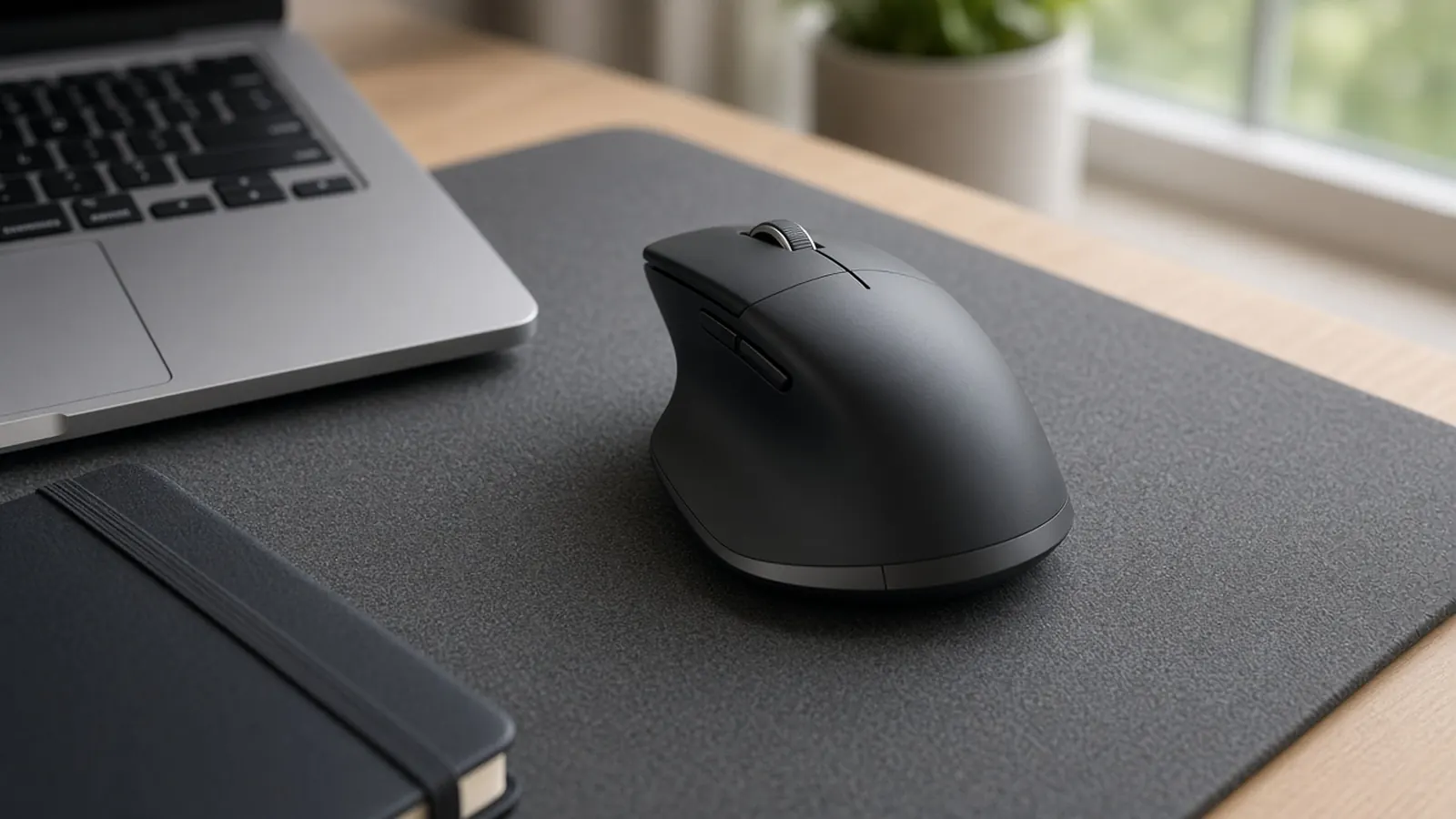
At a glance
| Product | Type | Hand size | Power | Connection | Price at Amazon |
|---|---|---|---|---|---|
| Logitech Lift Vertical Ergonomic MouseBest overall | Vertical | Small to medium | 1× AA | Bluetooth or Logi Bolt USB | Check price for Logitech Lift Vertical Ergonomic Mouse |
| Logitech MX VerticalBest for larger hands | Vertical | Medium to large | Rechargeable | Bluetooth or USB receiver | Check price for Logitech MX Vertical |
| Logitech MX Ergo S TrackballBest trackball | Thumb trackball, adjustable tilt | All, best for large | Rechargeable (USB-C) | Bluetooth or USB receiver | Check price for Logitech MX Ergo S Trackball |
| Logitech Ergo M575S TrackballBest budget trackball | Thumb trackball | Small to medium | 1× AA | Bluetooth or Logi Bolt USB | Check price for Logitech Ergo M575S Trackball |
| TeckNet Rechargeable Ergonomic Vertical MouseBest budget vertical | Vertical | Small to medium | Rechargeable | 2.4 GHz USB receiver | Check price for TeckNet Rechargeable Ergonomic Vertical Mouse |
Prices aren't shown because they change often; “Check price” opens the current listing. Availability and shipping vary by region; links go to US stores.
The short answer
For most people with sore wrists, start with the Logitech Lift. Wirecutter’s panel found it the most comfortable vertical mouse across hand sizes and the one that kept wrists closest to neutral, and it has a left-handed version. If you have larger hands, TechGearLab’s top ergonomic pick, the Logitech MX Vertical, is bigger, rechargeable and tracks very accurately. If you’d rather keep your wrist still, the Logitech MX Ergo S trackball has an adjustable tilt. Two budget options let you try a style without spending much: the Logitech Ergo M575S trackball and the TeckNet vertical mouse.
How I chose
I haven’t tested these mice myself. I started with Wirecutter’s wireless mouse guide (its best vertical mouse pick) and TechGearLab’s ergonomic mouse rankings, which tested 14 mice for comfort and tracking. Then I chose one pick for each hand size and grip style, vertical or trackball, plus budget options.
What to look for
- Vertical vs. trackball. A vertical mouse stops your forearm from twisting. A trackball reduces how much your wrist and arm move. Some people alternate between the two.
- Hand size. A mouse that’s too big or too small brings its own strain. The Lift and M575S suit smaller hands, while the MX Vertical and MX Ergo S suit larger ones.
- Learning curve. Expect days to weeks. Trackballs take the longest.
- Buttons and software. Programmable buttons can replace repeated keyboard shortcuts, so you make fewer awkward reaches.
- Battery. Rechargeable models (MX Vertical, MX Ergo S, TeckNet) vs. AA (Lift, M575S), which can last a long time per battery.
- Left-handed support. It’s rare outside the Lift.
Complete the setup
A mouse is only one part of a wrist-friendly desk. Pair it with one of my ergonomic keyboards for wrist pain, raise your screen with a laptop stand and external keyboard, and consider an ergonomic office chair with adjustable arms.
My picks in detail
1. Logitech Lift Vertical Ergonomic Mouse
by Logitech
- Type
- Vertical
- Hand size
- Small to medium
- Power
- 1× AA
- Connection
- Bluetooth or Logi Bolt USB
Wirecutter's best vertical mouse. Its panel of testers with different hand sizes found it held their wrists at a more neutral angle than other picks, and its buttons are easy to reach. It connects to three devices over Bluetooth or the included Logi Bolt receiver, and comes in left-handed and Mac versions. TechGearLab recommends it over the MX Vertical for hands under about 7 inches.
- Comfortable for the widest range of hand sizes (Wirecutter)
- 57° handshake angle keeps the forearm from twisting
- Left-handed and Mac versions available
- Quiet clicks
- Too small for some large hands
- Runs on an AA battery, not rechargeable
- Vertical mice take some getting used to
Opens Amazon in a new tab. Price and stock can change. Availability and shipping vary by region; links go to US stores.
2. Logitech MX Vertical
by Logitech
- Type
- Vertical
- Hand size
- Medium to large
- Power
- Rechargeable
- Connection
- Bluetooth or USB receiver
TechGearLab's best overall ergonomic mouse. Its lead tester liked how it puts the arm in a natural handshake position, with a rubberized grip and very accurate tracking. TechGearLab found it easy to learn even as a first vertical mouse. It's rechargeable and has 4 extra programmable buttons, but testers with small hands couldn't fully grip it.
- Excellent tracking precision
- Easy learning curve for a vertical mouse
- Rechargeable via USB-C
- Programmable buttons and gestures
- Too large for small hands
- No onboard storage for the USB dongle
- Clicks aren't silent
Opens Amazon in a new tab. Price and stock can change. Availability and shipping vary by region; links go to US stores.
3. Logitech MX Ergo S Trackball
by Logitech
- Type
- Thumb trackball, adjustable tilt
- Hand size
- All, best for large
- Power
- Rechargeable (USB-C)
- Connection
- Bluetooth or USB receiver
TechGearLab's favorite trackball. You move the cursor with your thumb, so your wrist and arm stay still, and its hinged base tilts the mouse to a more upright angle. TechGearLab found it comfortable for all hand sizes, especially large hands, and even its small-handed tester liked the smaller ball. It's rechargeable over USB-C.
- Wrist and arm barely move
- Adjustable tilt angle
- Comfortable for large hands
- Rechargeable, programmable buttons
- Learning curve for precise thumb control
- No dongle storage
- Expensive
Opens Amazon in a new tab. Price and stock can change. Availability and shipping vary by region; links go to US stores.
4. Logitech Ergo M575S Trackball
by Logitech
- Type
- Thumb trackball
- Hand size
- Small to medium
- Power
- 1× AA
- Connection
- Bluetooth or Logi Bolt USB
TechGearLab's best-value trackball and an affordable way to see whether a trackball suits you. Its soft, quiet clicks minimize finger strain, and because the mouse doesn't move you can use it on any surface or in a small space. Precise movements take practice.
- Low price for a trackball
- Soft, quiet clicks
- Works on any surface, needs little desk space
- Steep learning curve
- Harder to make fine, precise movements
- No tilt adjustment
Opens Amazon in a new tab. Price and stock can change. Availability and shipping vary by region; links go to US stores.
5. TeckNet Rechargeable Ergonomic Vertical Mouse
by TeckNet
- Type
- Vertical
- Hand size
- Small to medium
- Power
- Rechargeable
- Connection
- 2.4 GHz USB receiver
TechGearLab's best-value vertical mouse, and a cheap way to find out whether a vertical mouse is right for you. Tracking was good with few errors in its tests, the main clicks are quiet and it's rechargeable, which is unusual at this price. The thumb buttons are loud and the shape is narrow.
- Very low price
- Good tracking performance
- Rechargeable
- Quiet left and right clicks
- Loud thumb button clicks
- Narrow shape
- No customization software
Opens Amazon in a new tab. Price and stock can change. Availability and shipping vary by region; links go to US stores.
Frequently asked questions
Will an ergonomic mouse fix wrist pain?
It can help, but it isn't a cure. Wirecutter points out that vertical mice aren't a magic fix for hand and wrist pain and have a learning curve. Breaks, posture and desk setup matter too. If you have persistent pain, numbness or tingling, see a doctor or physical therapist.
Vertical mouse or trackball?
A vertical mouse turns your hand into a handshake position, so your forearm isn't twisted flat. You still move it around like a regular mouse. With a thumb trackball, the mouse stays put and only your thumb moves, which cuts down on wrist and arm movement. Trackballs usually take longer to learn and are harder for precise work.
How do I pick the right size?
Measure from your wrist crease to the tip of your middle finger. TechGearLab suggests the smaller Logitech Lift over the MX Vertical for hands under about 7 inches (18 cm). Larger hands tend to prefer the MX Vertical or the MX Ergo S.
How long does it take to get used to a vertical mouse?
Usually a few days to a couple of weeks. TechGearLab found the MX Vertical easy to learn even for a first vertical mouse. Trackballs take longer. A budget model like the TeckNet or M575S is a cheap way to try a style first.
Are there left-handed options?
Yes. Logitech sells a left-handed version of the Lift, which Wirecutter mentions. Most trackballs and budget vertical mice are right-handed only, so check before you buy.