Best Monitor Arms for Dual Monitors (2026)
Dual monitor arms that PCWorld, BTOD, Tom's Guide and Techaeris recommend, from budget gas-spring arms to Ergotron, plus when to buy two single arms.
Quick answer: my top pick is the HUANUO DS6 Dual Monitor Arm (best budget dual arm). BTOD's value pick and tested by PCWorld, which called it decent for the price.
- Best premium dual arm: Ergotron LX Dual Side-by-Side
- Best for stacking or big screens: Ergotron LX Dual Stacking Arm, Tall Pole
- Best budget for large screens: HUANUO DS7 Dual Monitor Arm
- Cheapest option: Mount-It! Full Motion Dual (MI-2752)
Disclosure: I may earn a commission when you buy through links on this page, at no extra cost to you. As an Amazon Associate I earn from qualifying purchases. Picks are based on published research, not hands-on testing. Read my affiliate disclosure.
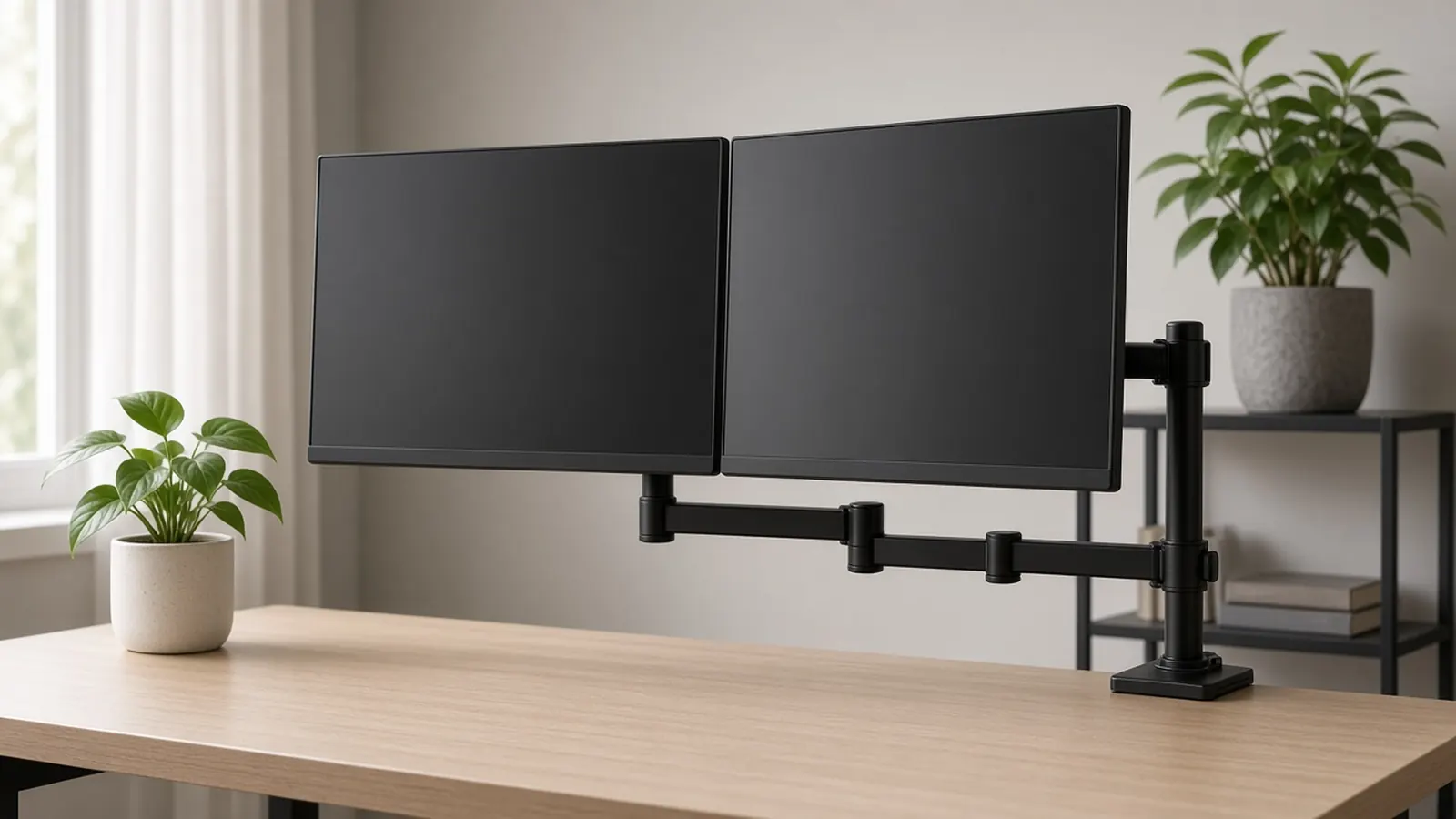
At a glance
| Product | Screens | Weight per arm | Price at Amazon |
|---|---|---|---|
| HUANUO DS6 Dual Monitor ArmBest budget dual arm | 13–32 in | 14.3 lb (tested spec) / 19.8 lb (maker) | Check price for HUANUO DS6 Dual Monitor Arm |
| Ergotron LX Dual Side-by-SideBest premium dual arm | Up to 27 in | 7–20 lb | Check price for Ergotron LX Dual Side-by-Side |
| Ergotron LX Dual Stacking Arm, Tall PoleBest for stacking or big screens | Up to 40 in | 7–22 lb | Check price for Ergotron LX Dual Stacking Arm, Tall Pole |
| HUANUO DS7 Dual Monitor ArmBest budget for large screens | 13–40 in | 4.4–26.4 lb | Check price for HUANUO DS7 Dual Monitor Arm |
| Mount-It! Full Motion Dual (MI-2752)Cheapest option | 17–32 in | Up to 19.8 lb | Check price for Mount-It! Full Motion Dual (MI-2752) |
Prices aren't shown because they change often; “Check price” opens the current listing. Availability and shipping vary by region; links go to US stores.
The short answer
On a budget, the HUANUO DS6 is the dual arm two independent testers liked. It’s sturdy once set up and easily lifts two 27-inch screens. If you want arms that glide and stay put for a decade, get the Ergotron LX Dual Side-by-Side (screens up to 27 inches). For stacking or screens up to 40 inches, step up to the Ergotron LX Dual Stacking Arm, Tall Pole. The HUANUO DS7 covers large screens for less. The Mount-It! MI-2752 is the cheapest pick, but both screens stay at one height.
What to look for
- Weight range per arm, both ends. Gas springs need a minimum load as well as a maximum. A very light monitor can float upward on a heavy-duty arm.
- Screen size per arm. Two 27-inch 16:9 screens need about 47 inches of width side by side.
- Independent arms. Separate arms let you angle, raise or rotate each screen on its own.
- Desk compatibility. Clamp range, desk material, and any cross-beams under the edge.
- Setup time. Every tester noted that dual arms take patience to install and tune.
Pair it with a footrest for desk work to finish the ergonomic setup, and add a monitor light bar to light the desk without taking up surface space.
Mounting on a sit-stand desk? See my standing desks under $500.
My picks in detail
1. HUANUO DS6 Dual Monitor Arm
by HUANUO
- Screens
- 13–32 in
- Weight per arm
- 14.3 lb (tested spec) / 19.8 lb (maker)
- Mount
- Clamp or grommet
BTOD's value pick and tested by PCWorld, which called it decent for the price. Gas-spring arms raised two 27-inch monitors to eye level; HUANUO rates it for 13–32-inch screens.
- Independent spring arms; can run one screen vertical
- Metal construction felt rigid to PCWorld
- Clamp fits wooden desks 0.59–3.54 in thick
- Testers list 14.3 lb per arm vs HUANUO's newer 19.8 lb rating
- Fiddly install and cable management
- Not for glass or plastic desks
Opens Amazon in a new tab. Price and stock can change. Availability and shipping vary by region; links go to US stores.
2. Ergotron LX Dual Side-by-Side
by Ergotron
- Screens
- Up to 27 in
- Weight per arm
- 7–20 lb
- Desk clamp
- 0.63–2.6 in
PCWorld's best dual-monitor arm: two LX arms on one mount with the same smooth, stay-put motion and 10-year warranty as the single LX.
- Excellent build and smooth adjustment
- 10-year warranty
- Arms move independently
- Only up to 27-inch screens side by side
- Monitors must weigh at least 7 lb
- Expensive
Opens Amazon in a new tab. Price and stock can change. Availability and shipping vary by region; links go to US stores.
3. Ergotron LX Dual Stacking Arm, Tall Pole
by Ergotron
- Screens
- Up to 40 in
- Weight per arm
- 7–22 lb
- Pole
- 23 in
BTOD's best dual arm ("clearly the best arm on the list"). Rated for two screens up to 40 inches, stacked or side by side, on a 23-inch pole.
- Screens up to 40 in
- Stack vertically or side by side
- Nearly all-metal; 10-year warranty
- The most expensive option here
- Mounting monitors takes patience
- 7 lb minimum per screen
Opens Amazon in a new tab. Price and stock can change. Availability and shipping vary by region; links go to US stores.
4. HUANUO DS7 Dual Monitor Arm
by HUANUO
- Screens
- 13–40 in
- Weight per arm
- 4.4–26.4 lb
- Desk
- Up to 3.54 in
HUANUO's larger dual arm, rated for 13–40-inch screens at 4.4–26.4 lb per arm. Techaeris mounted a 32-inch and a 34-inch monitor and said you can't beat it for the price.
- Takes screens up to 40 in
- Light 4.4 lb minimum suits light panels
- USB ports in the base
- Cable channels too narrow for thick cables
- Springs need fine-tuning
- Only one independent review
Opens Amazon in a new tab. Price and stock can change. Availability and shipping vary by region; links go to US stores.
5. Mount-It! Full Motion Dual (MI-2752)
by Mount-It!
- Screens
- 17–32 in
- Weight per arm
- Up to 19.8 lb
- Very low price
- Relatively easy setup
Tom's Guide's best cheap dual arm: relatively easy to set up and rated for screens up to 32 inches — but both screens sit at the same height.
- Very low price
- Relatively easy setup
- Clamp fits desks up to 4 in
- Both monitors are locked to one height
- Large ultrawides are hard to fit
Opens Amazon in a new tab. Price and stock can change. Availability and shipping vary by region; links go to US stores.
Frequently asked questions
Dual arm or two single arms?
Wirecutter recommends two single arms, because you can position each screen more precisely, which especially matters with different-sized monitors. A dual arm makes more sense for two identical screens, or when you only have room for one desk clamp.
Will my monitors fit?
Check three things: VESA 75×75 or 100×100 holes, each screen's weight without its stand (including minimums, since Ergotron's LX arms need at least 7 lb), and the maximum screen size per arm.
Will it clamp to my desk?
Measure the desk edge. The Ergotron LX duals clamp 0.63–2.6 in, the HUANUO DS6 0.59–3.54 in (wooden desks only), and the Mount-It! up to 4 in. Most arms also support grommet mounting.
How far apart and how high should the screens be?
OSHA guidance puts the top of the screen at or slightly below eye level and the screens 20–40 inches away. Angle two monitors inward so neither sits too far to the side.